This site uses essential cookies to ensure its proper functioning and improve the user experience. Some technical cookies also allow anonymous audience measurement. You can accept or refuse their use at any time in your preferences.
| Cookie | Provider | Purpose | Expiry |
|---|---|---|---|
| PHP_SESSID | matts-digital.com | Le cookie PHPSESSID est natif de PHP et permet aux sites web de stocker des données d'état sérialisées. Sur le site web, il est utilisé pour établir une session d'utilisateur et pour transmettre des données d'état par le biais d'un cookie temporaire, communément appelé cookie de session. Ces cookies ne resteront sur votre ordinateur que jusqu'à ce que vous fermiez votre navigateur. | Session |
| PrestaShop-# | matts-digital.com | Il s'agit d'un cookie utilisé par Prestashop pour stocker des informations et garder la session de l'utilisateur ouverte. Il stocke des informations telles que la devise, la langue, l'identifiant du client, entre autres données nécessaires au bon fonctionnement de la boutique. | 480 heures |
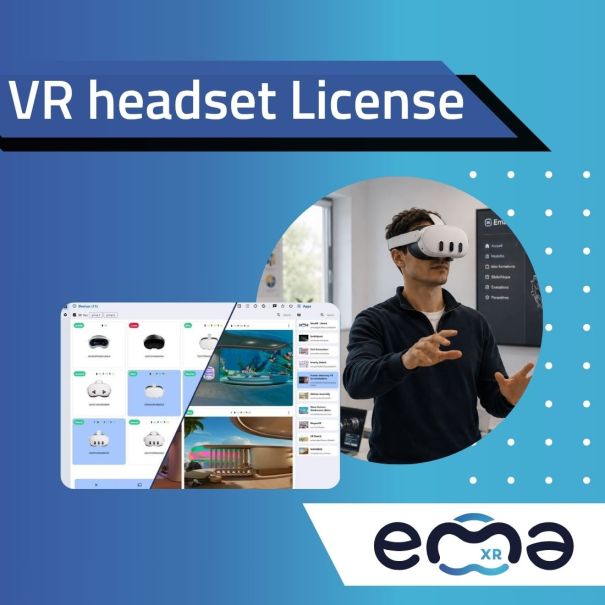
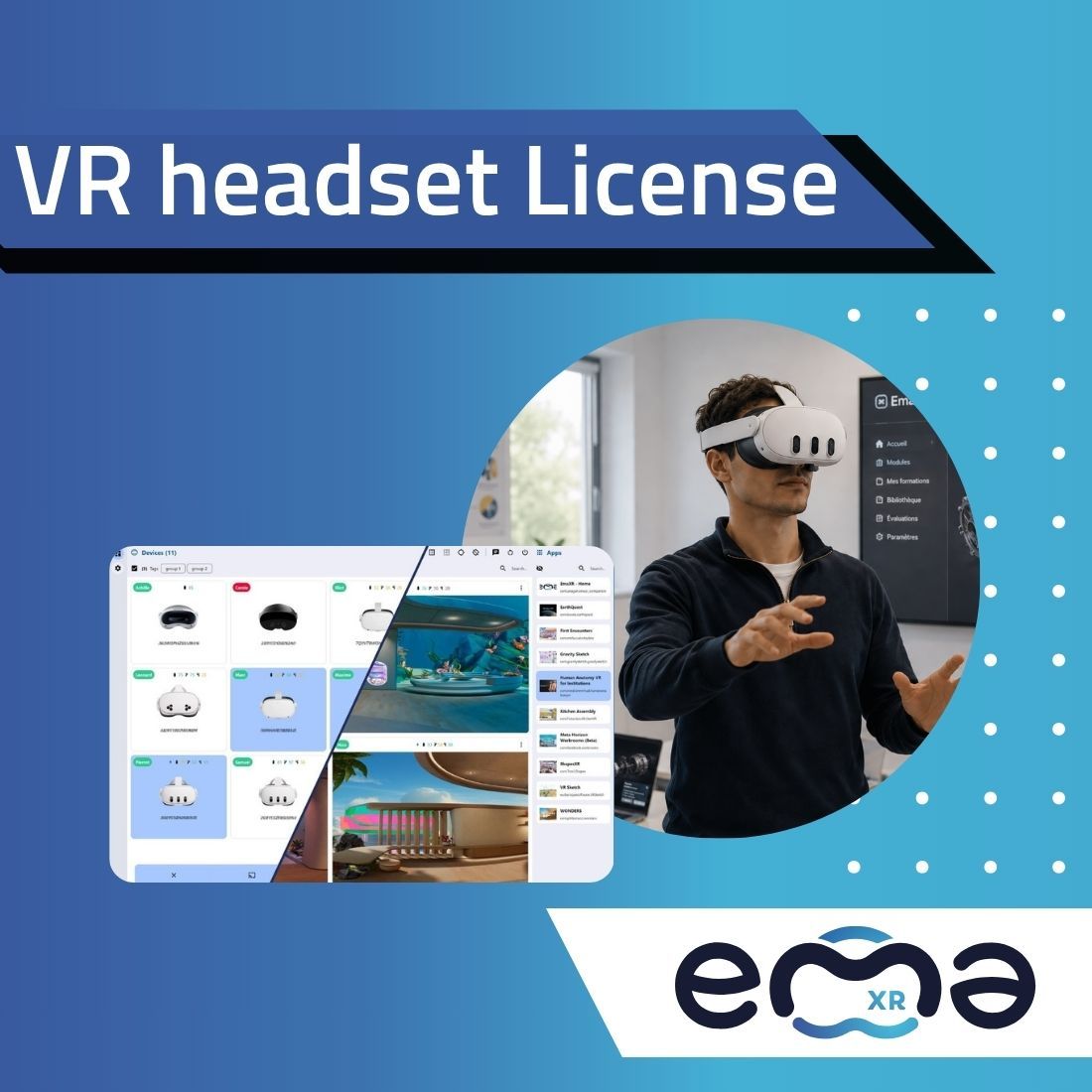
EmaXR allows you to centralize the operational management of your virtual reality headsets to reduce repetitive tasks before, during, and after your XR sessions.
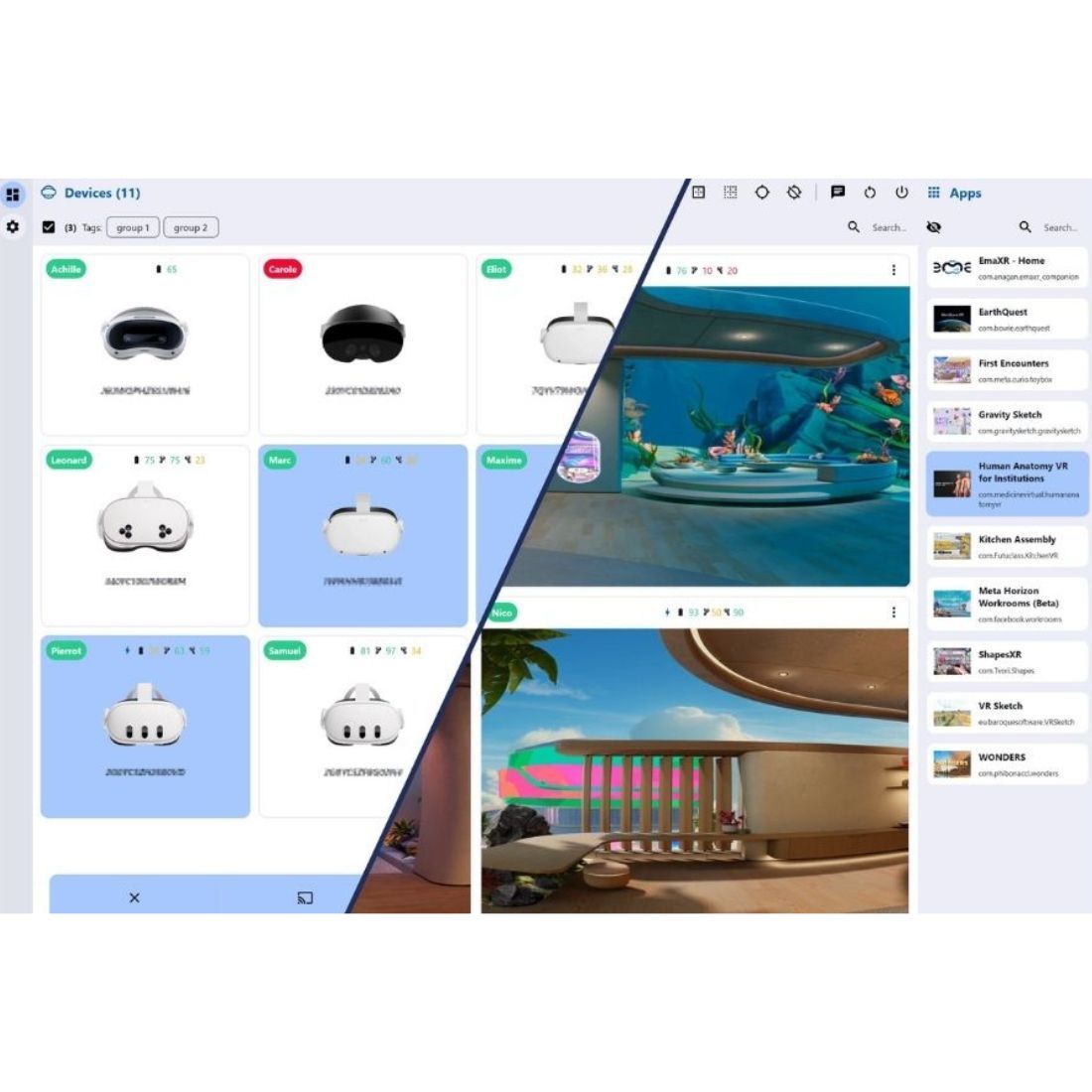
For the past single interface, your teams can monitor the status of the device fleet, organize devices, deploy apps, send videos, manage files, monitor users, and perform remote actions.
EmaXR makes it easy to multi-brand fleet management including Pico, Meta, and Vive. The solution is particularly useful when Several headsets need to be controlled at the same time.

EmaXR is designed for organizations that need to set up, launch, and monitor multiple headsets simultaneously.
Prepare multiple headsets for a training session, deploy the necessary app, and monitor learners in real time.
Organize immersive workshops with a group of students, without repetitive tasks.
Oversee public-facing experiences and guide visitors throughout their visit.
Operate multiple headsets during a demonstration, trade show, or guided activity.
An XR fleet becomes easier to manage when devices, applications, content, and updates are managed from a single environment.
On your local network, efficiently manage your Pico, Meta, or Vive headsets, content, and users from a single, streamlined interface
Install apps, stream content, and apply settings without having to set up each headset manually.
Minimize technical tasks, repetitive actions, and the risk of errors during updates or content changes.
Monitor the status, availability, connectivity, and readiness of your devices to better anticipate operational needs.
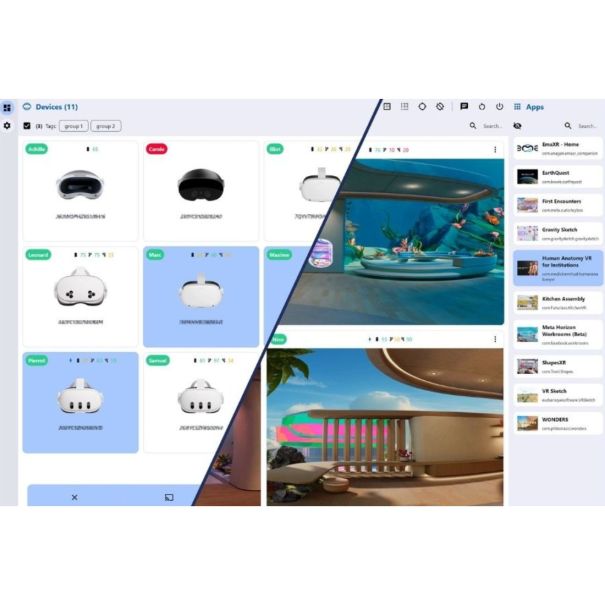
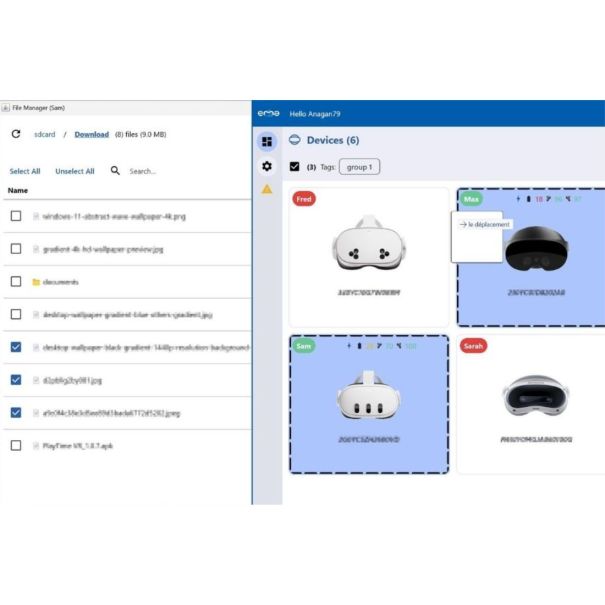
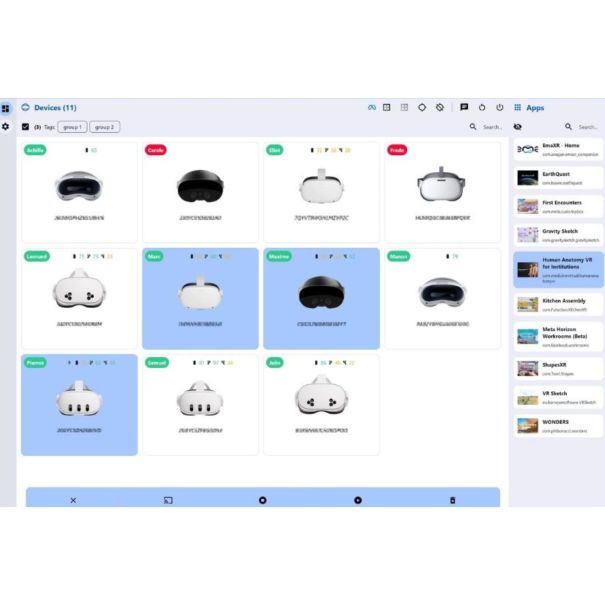
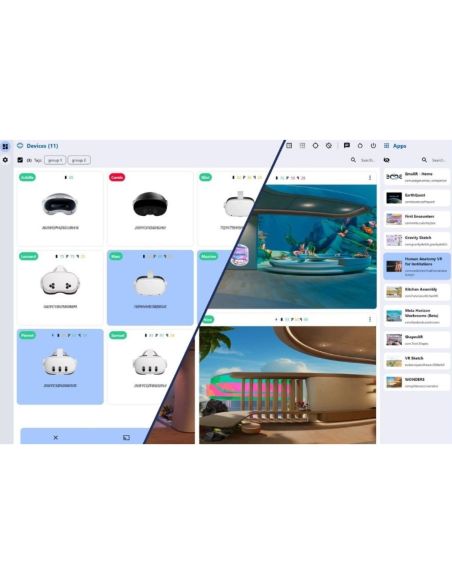
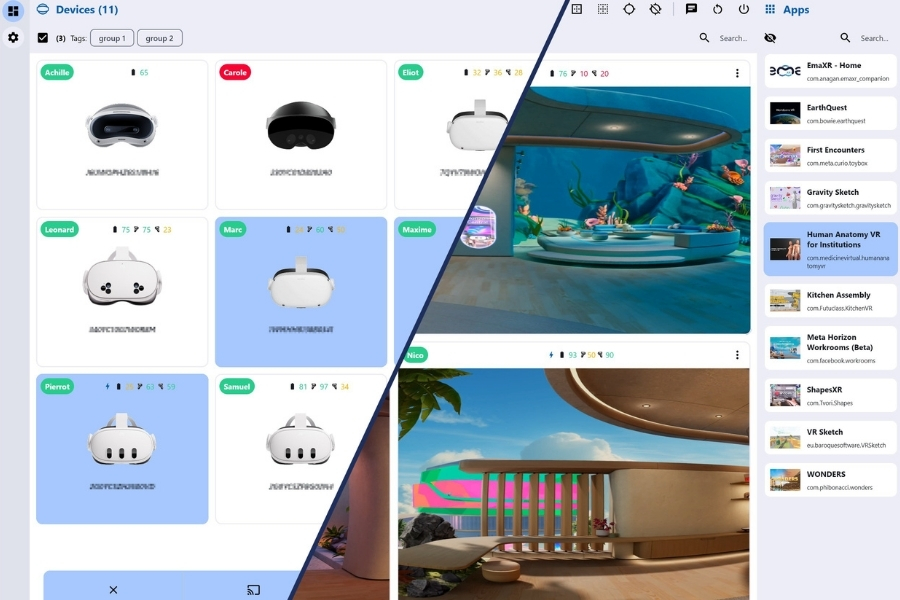
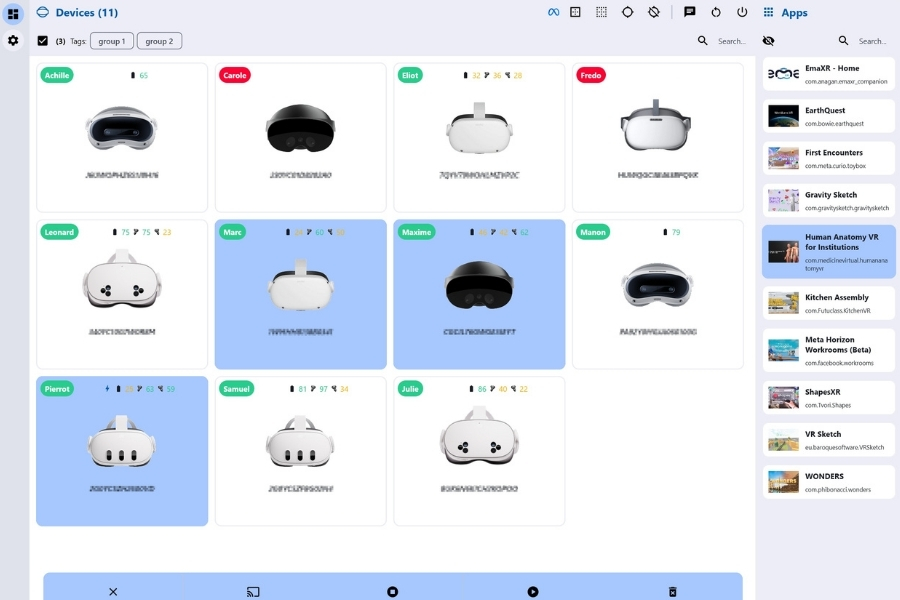
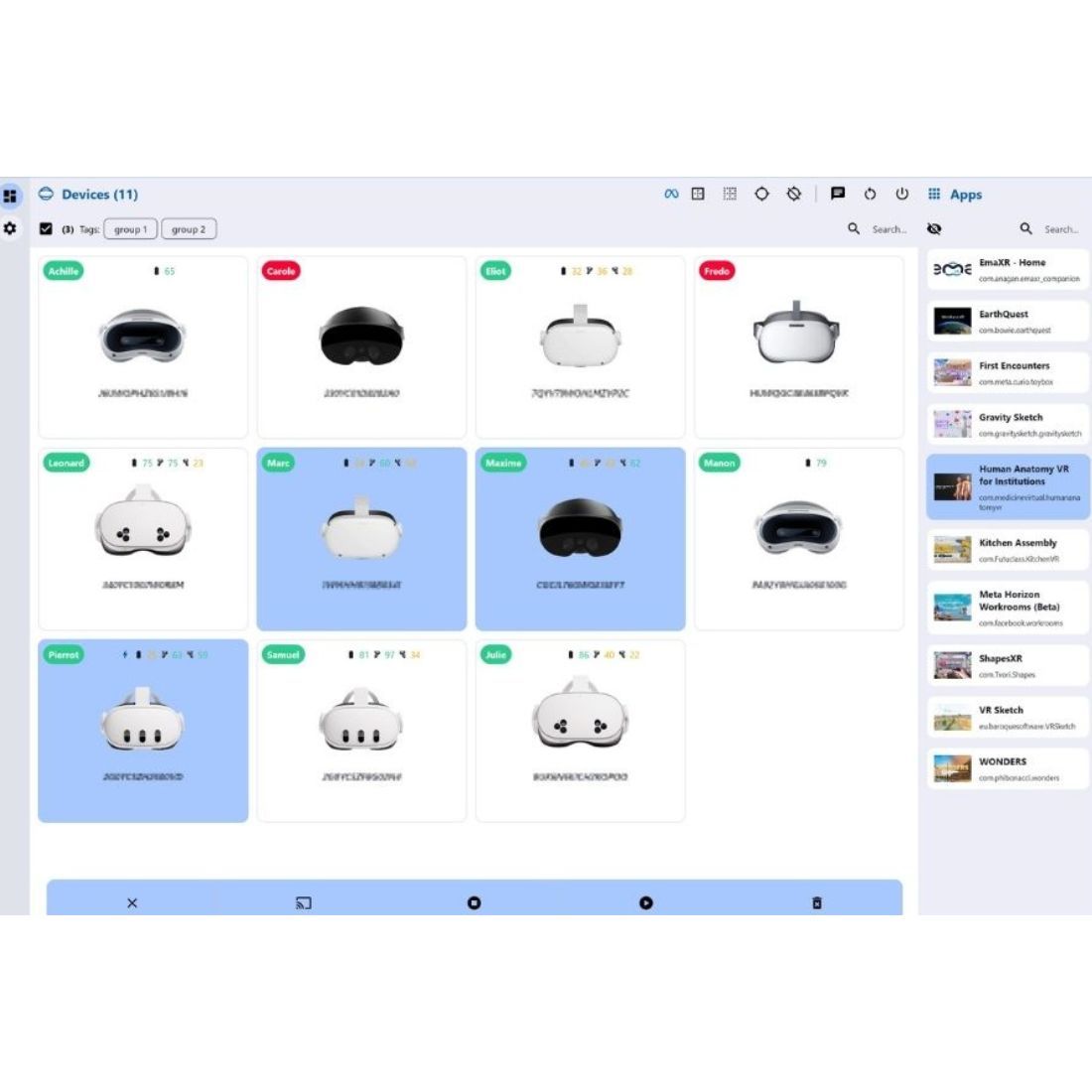
View your headsets, organize them by groups or tags, select multiple devices, and apply your actions to the entire fleet at once.
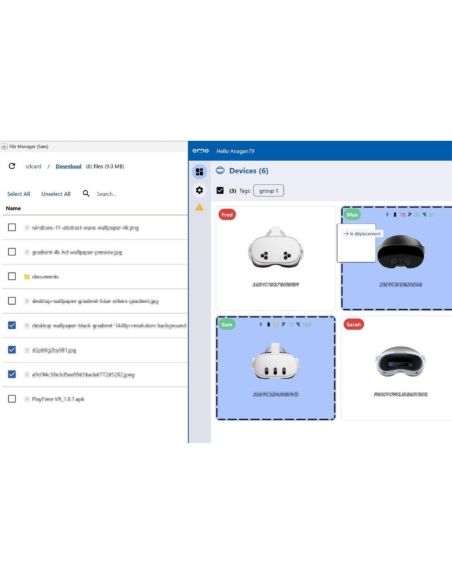
Install, update, or uninstall your apps on multiple headsets with a single action. EmaXR supports APK, XAPK, APKM, ZIP, and OBB formats.
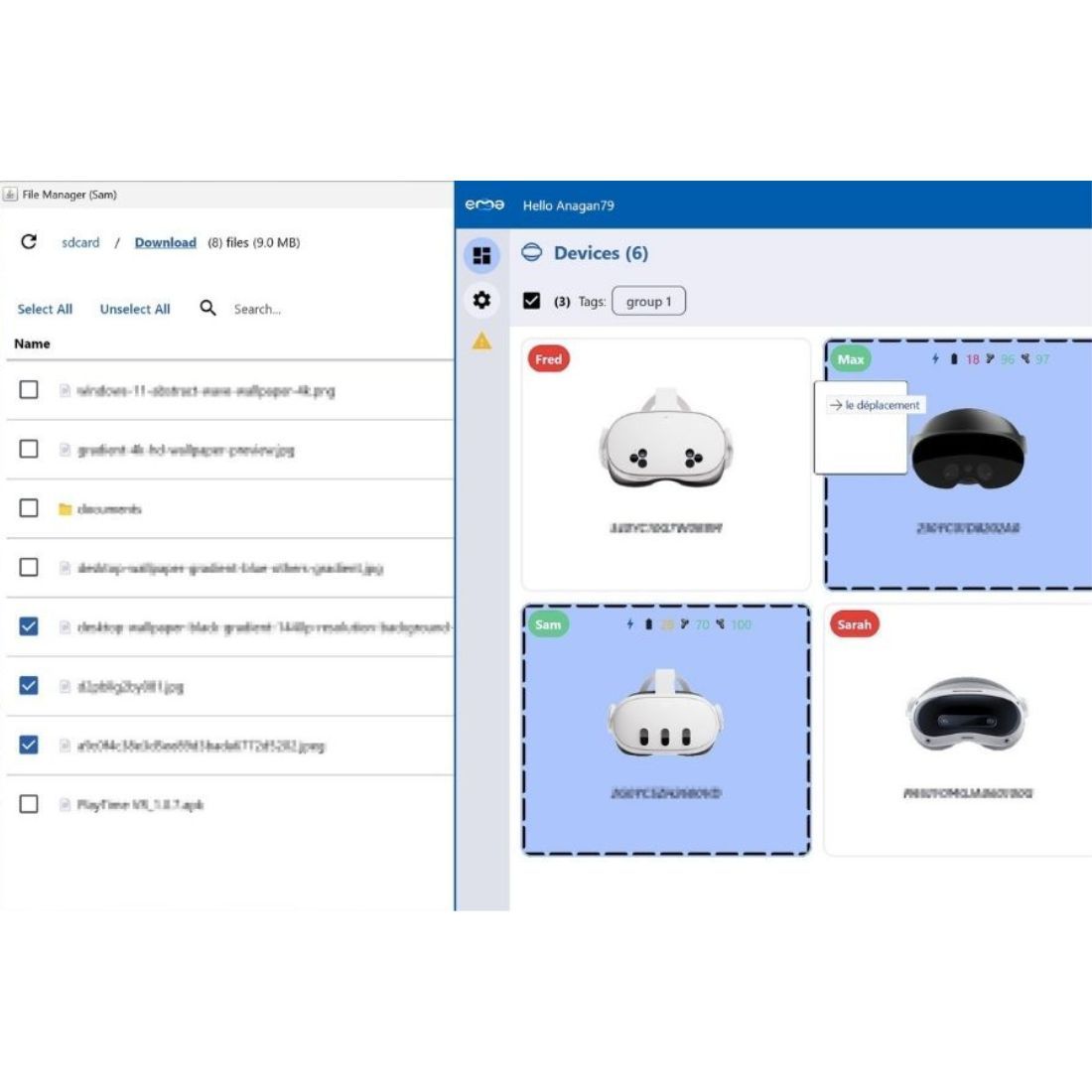
Upload your videos to the headsets and set them up for viewing in a player optimized for VR, without having to manually configure each device.
Launch or close an application, restart a headset, send voice or text commands directly to the headset from your PC, and manage files remotely without having to pick up each headset.
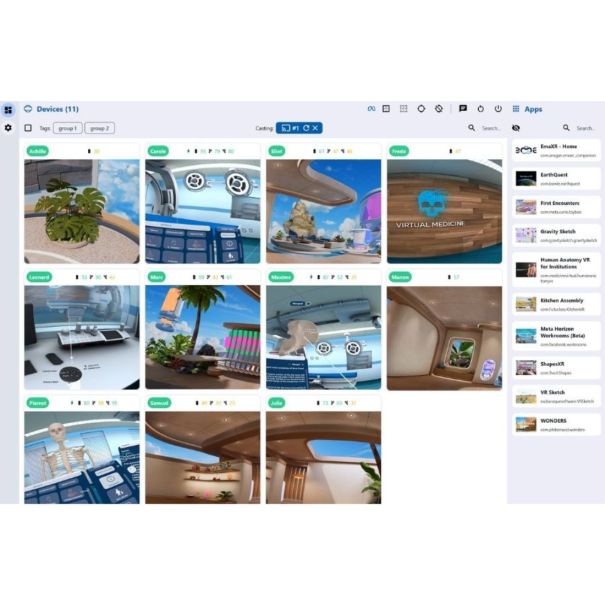
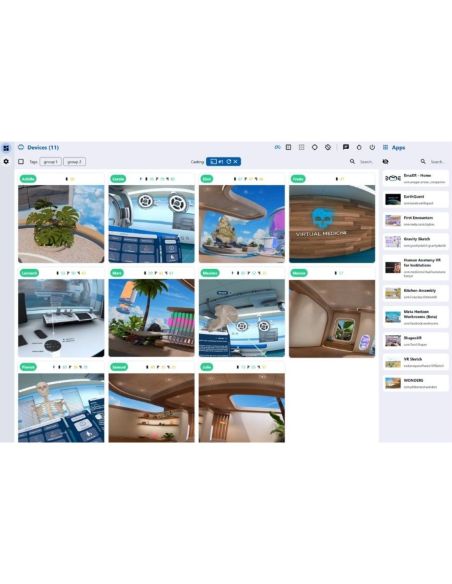
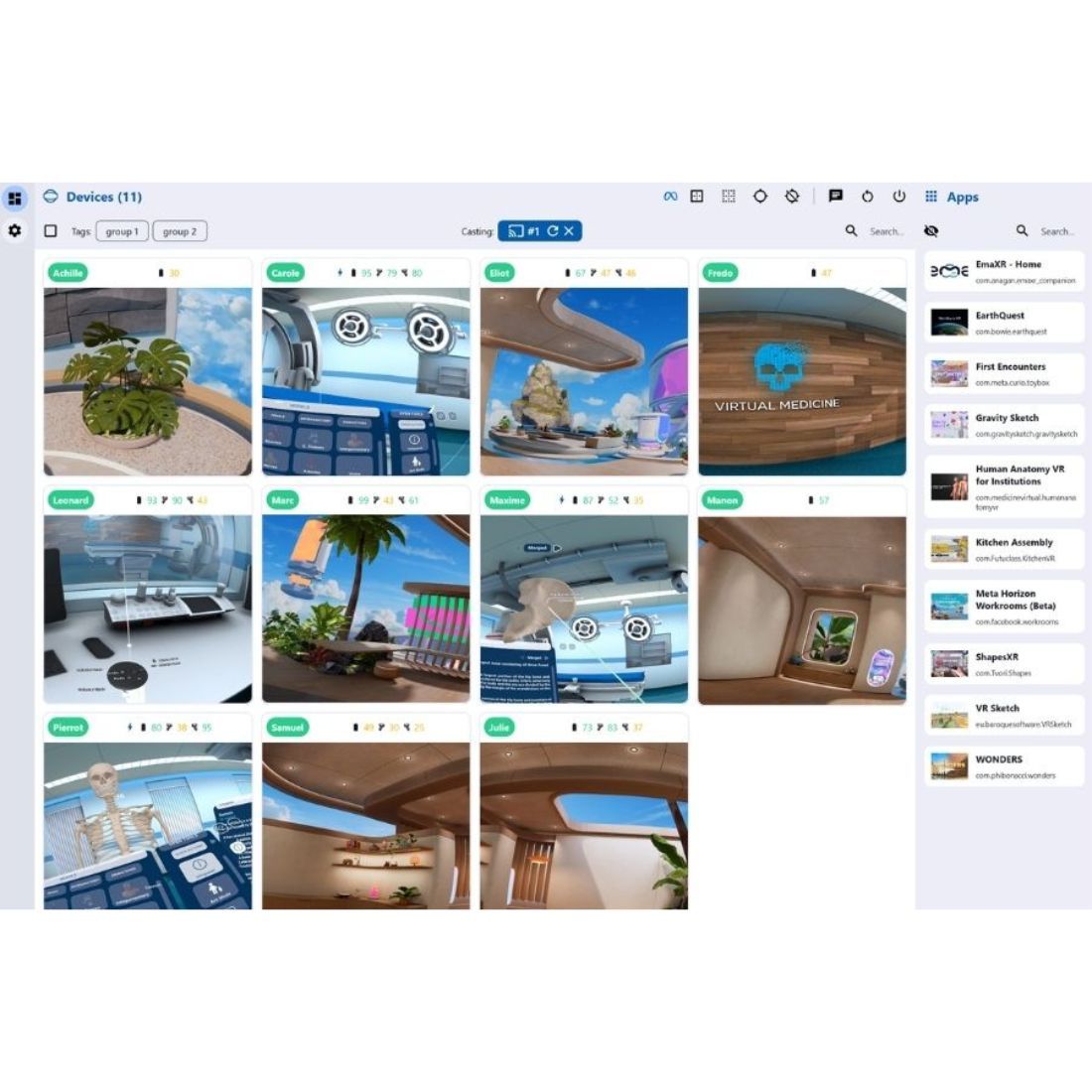
Use screen mirroring to see what users see. You can monitor sessions, view a spectator view, and maintain control throughout the experience.
On Meta Quest headsets, EmaXR can leverage QGO integration to improve resolution, performance, smoothness, or battery life depending on the use case.

Manage your headsets, applications, and sessions from a single, clear, and intuitive dashboard. All actions are just a few clicks away and can be applied to your entire fleet without repetitive tasks.

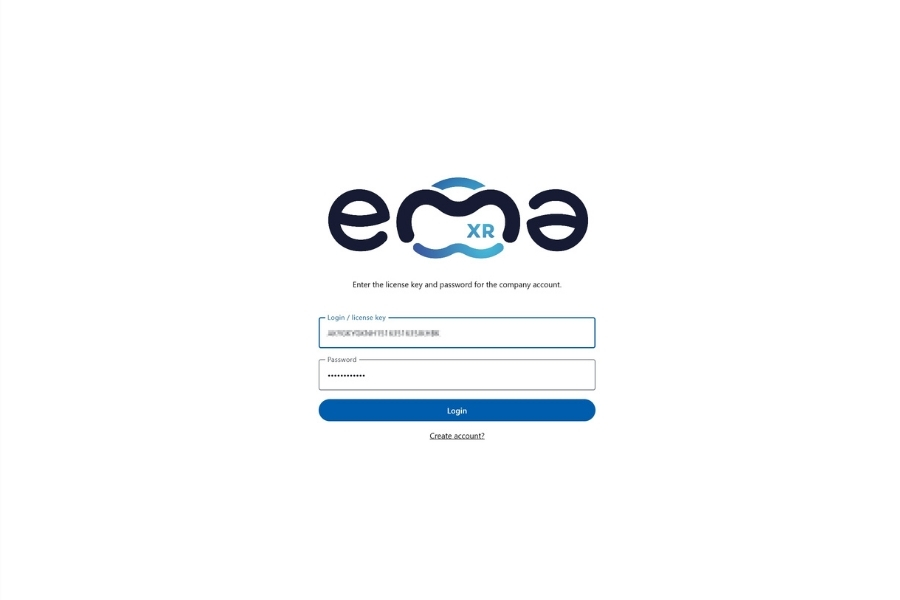
Launch EmaXR on your computer or tablet, then connect your headset for the first time. It will be detected automatically and added with a single click. After that, it will reconnect wirelessly, even after a restart.

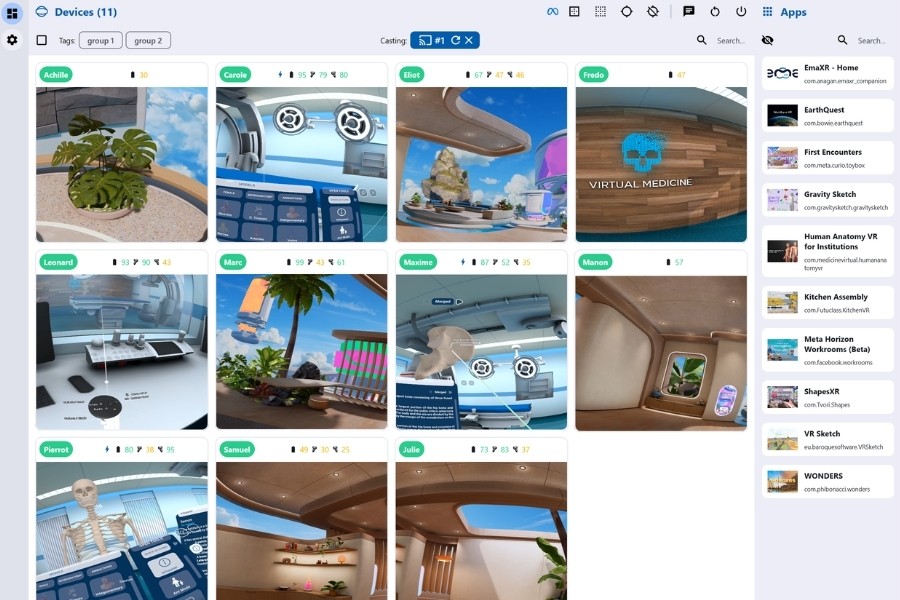
See what your users see in real time, organize your headsets by session, and communicate with them. Deploy your files and applications with drag-and-drop, then manage your content from your dashboard.
We’ll help you set up the solution, configure the headsets, and get started with the tool.

You might also like